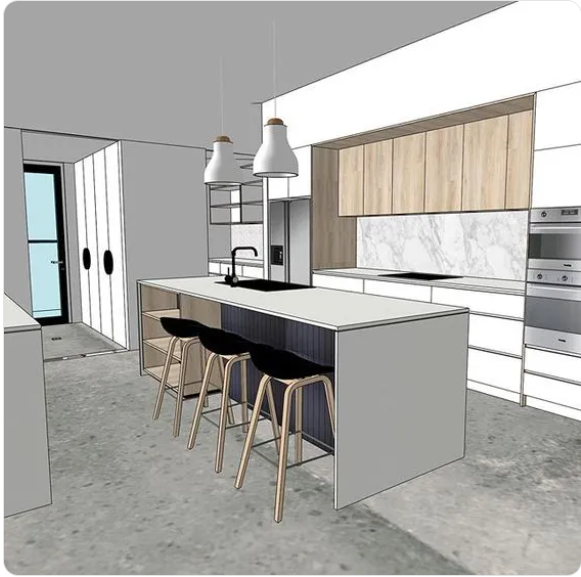
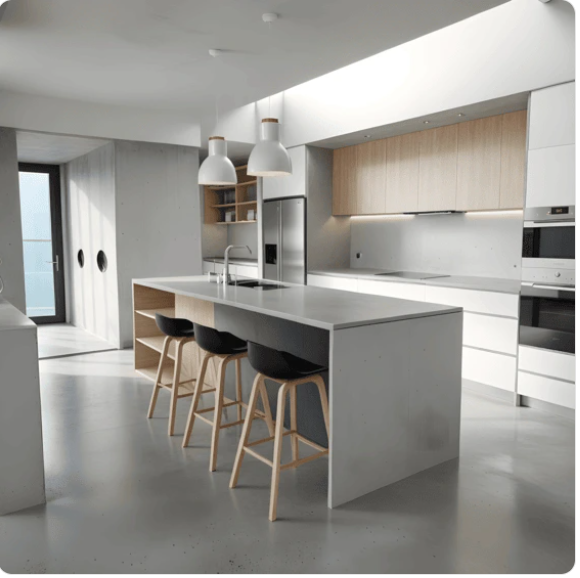
Render your design keeping the geometry, colors, and materials unchanged.
1. Upload your design Upload a model of interior or architectural design from Archicad, SketchUp, or any other CAD or 3D modeling software. Currently, jpg/png formats are supported. MyArchitectAI app interface 2. Customize the render look Describe what your rendered image should look like using text input (advanced mode) or pick from 80+ predefined architectural styles, material types, landscapes, and other options (quick mode). AI rendered image 3. Generate & download your render Our AI engine will handle all modeling, lighting, and texturing, and produce a photorealistic render in under 10 seconds. Download it in 4K resolution and share with your client or edit further if needed.
Experiment with endless design variations using AI style transfer
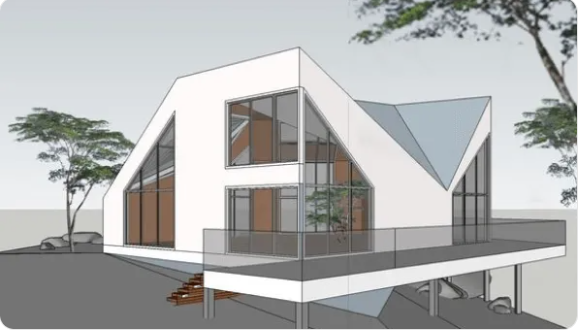
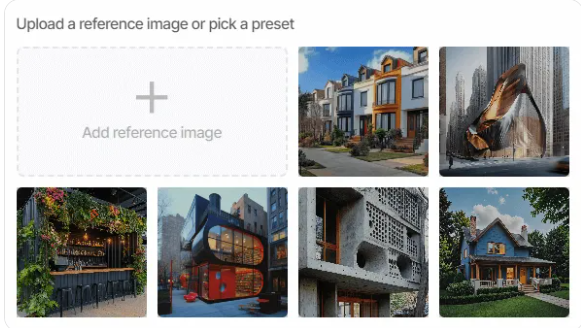
1. Upload your design Upload a rough conceptual model or sketch to experiment with different styles. AI style transfer feature 2. Add a reference image Upload an image of a design you want MyArchitectAI to draw inspiration from. You can also pick one of the presets from our style library. AI render 3. Apply the style The style from your reference image will be seamlessly blended onto your original image, creating a unique concept in no time. The geometry of your input design will be kept unchanged.