Discover MetricMonkey
MetricMonkey enables you to design better buildings and makes feasibility studies easy.
Supercharge your workflow
Find out what you can accomplish with the power of MetricMonkey at your fingertips.
Make informed decisions
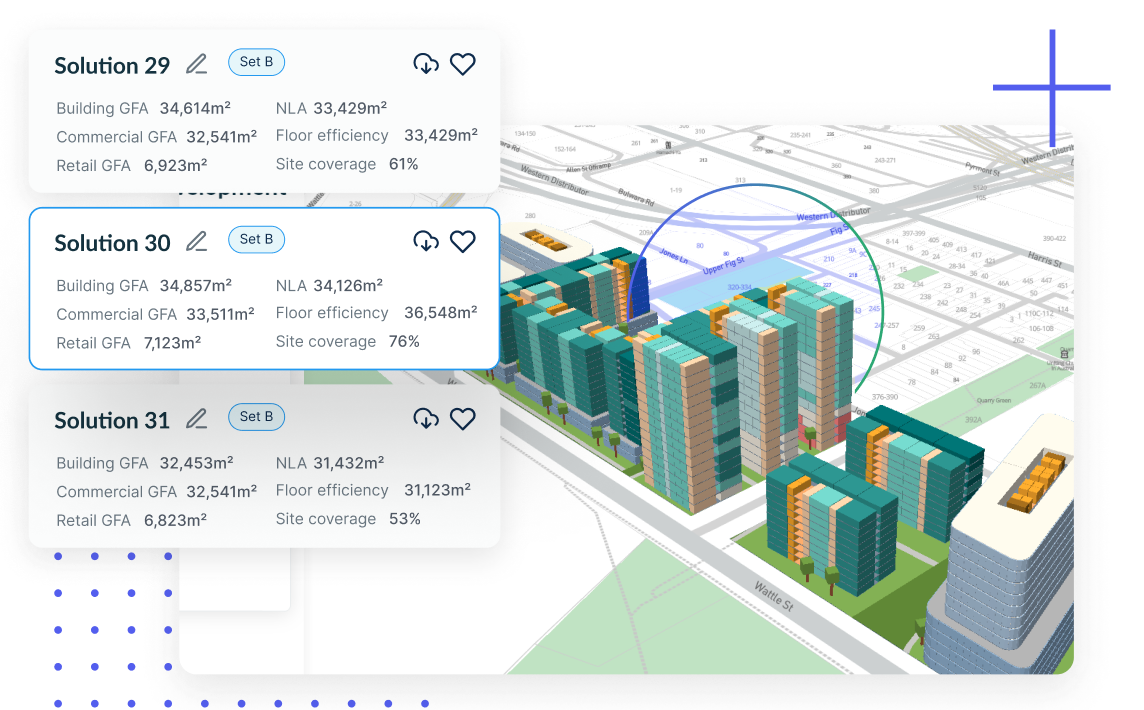
Receive real-time feedback on your design so that you can make informed decisions. From areas to ratios, we’ve got you covered.
Make informed decisions
Test ideas quickly
Test ideas quickly
Draw the building footprint and define the maximum building height or number of storeys and let MetricMonkey do the rest. MetricMonkey will extrude your footprint to the correct height, join together individual massings, and generate floorplates.
Design without constraints
Don’t be constrained to simple extrusions. Use the toolbox to create custom buildings. You can even reference in your own Rhino model or Grasshopper definition – the perfect combination of automation and customisation.
Design without constraints
Generate mixed-use developments
Generate mixed-use developments
Use functions to explore mixed-use buildings and developments. Adding new functions is easy, and switching between functions is even easier. MetricMonkey takes care of everything else, such as colour and floor-to-floor heights, so you don’t have to.
Integrate GIS datasets
Contextualise your design by importing geo-referenced datasets. Visualise planning overlays and 2D and 3D context information including cadastre, road centrelines and suburb outlines. Datasets supplied separately.
Integrated GIS datasets
Find development opportunities
Find development opportunities
Filter potential sites by suburb and area, as well as planning constraints including land and heritage zones, allowed Floor Space Ratio, and maximum building height.
How it works
MetricMonkey is developed on McNeel Rhinoceros® 7 for Windows and Grasshopper 1.0 and runs natively on your PC. The simple and clean interface makes it easy to create, edit and analyse designs. For Grasshopper users, MetricMonkey comes with a range of components so that you can extend its functionality to integrate with your workflows.
Related